What Is Dental Schema Markup?
Dental schema markup is structured data that describes a practice's facts using the Schema.org vocabulary: its name, address, phone, hours, dentists, services, and the purpose of each page. It usually lives in a JSON-LD script in the page code, stays invisible to visitors, and should match what the page visibly says.
Google accepts three formats (JSON-LD, Microdata, and RDFa) and says all three work when implemented correctly, while recommending JSON-LD where a site's setup allows it (Google Search Central). JSON-LD suits most dental sites because it sits in its own script block, so a redesign or page-builder change is less likely to break it.
Why Can Structured Data Help Dental Websites?
Structured data removes ambiguity. It states which business a page describes, how the practice, its locations, and its dentists relate, and what each page is about. That clarity can support eligible search features and more consistent machine understanding, but it doesn't replace helpful content, genuine reviews, or an accurate Google Business Profile.
A practice's identity blurs easily online: a legal name and a trade name, an old suite number on a directory, a dentist who also works at a second office. Well-formed markup ties those facts together with stable identifiers.
Be careful with the AI argument. AI assistants draw on many signals, and their providers don't publish a rule that structured data earns a mention. Treat schema as one part of making your information consistent, alongside the content work described in our article on generative engine optimization for dentists.
How Dental Website Structured Data Connects Information
- Dental practice identityOne Dentist or Organization entity with a stable @id, legal or trade name, logo, and official URL.
- Real office locationVerified address, phone, hours, and coordinates matching the Business Profile and the visible page.
- Verified practitionerPerson entities for actual dentists, linked to the practice, with only credentials you can document.
- Actual servicesService descriptions for treatments the practice genuinely provides, each tied to its own page.
- Page-specific structured dataBreadcrumbList and BlogPosting or Article markup that describes the page being viewed.
- ValidationSyntax, Google eligibility, and factual accuracy checked before and after every deployment.
How Does Schema.org Differ From Google Rich Results?
Schema.org is an open vocabulary with hundreds of types and properties. Google supports a limited subset for specific search features, each with its own required properties. Markup can be perfectly valid Schema.org and still produce no visible feature, because Google says structured data enables features but never guarantees them.
Google's general guidelines put it plainly: structured data "enables a feature to be present, it does not guarantee that it will be present," and markup must be "a true representation of the page content" (Google structured data policies). Support also changes. After narrowing FAQ rich results in 2023, Google states in its documentation updates log that the FAQ rich result was deprecated in May 2026 and is no longer shown in Search (Google Search documentation updates).
| Markup | Valid in Schema.org? | Google Search feature | Practical note |
|---|---|---|---|
| Dentist (LocalBusiness) with name, address, phone, hours, geo | Yes | Documented LocalBusiness structured data; name and address required | Supports business details; display is never guaranteed |
| Person with hasCredential, alumniOf | Yes | No dedicated rich result | Useful for entity clarity and author information |
| isAcceptingNewPatients, healthPlanNetworkId, medicalSpecialty | Yes (the first two are newer terms) | None documented | Include only if accurate and maintained |
| Service or MedicalProcedure | Yes | None documented for dental treatments | Describe only treatments you actually provide |
| BreadcrumbList | Yes | Breadcrumb rich result (documented for desktop) | At least two list items required |
| BlogPosting or Article | Yes | Article structured data; no required properties | Helps Google understand title, dates, author, images |
| FAQPage | Yes | FAQ rich result no longer shown (deprecated May 2026) | Visible FAQs can still help readers |
| AggregateRating on your own practice | Yes | Self-serving reviews ineligible for star features | Don't expect stars from your own testimonials |
Which Structured Data Types Fit Dental Websites?
Most dental sites need only a handful of types: Dentist for each office, Organization for a multi-location brand, Person for each real dentist, BreadcrumbList for navigation, and BlogPosting or Article for editorial pages. Add other types only when a page genuinely contains that kind of information.
Dentist, LocalBusiness, and Organization
On Schema.org, Dentist inherits from LocalBusiness, MedicalBusiness, MedicalOrganization, and Organization, so it can use properties from all of them. Google's local business documentation asks sites to use the most specific LocalBusiness subtype possible, which for a general practice is Dentist (Google Search Central). A group with several offices can describe the parent brand as an Organization and each office as its own Dentist entity.
Person
Use Person for dentists who actually practice at the office, ideally on each clinician's bio page. The credentials section below includes an example.
BreadcrumbList
Breadcrumbs describe where a page sits in the site hierarchy. Most SEO plugins generate them automatically, so check before adding your own; an example appears in the duplicates section.
Article or BlogPosting
Google supports Article, NewsArticle, and BlogPosting for editorial content. A practice blog post about first visits or whitening sensitivity usually fits BlogPosting.
Other types, only when they apply
Service, MedicalProcedure, and WebSite can be appropriate in specific places. Never mark up procedures a page doesn't explain, and never apply a dental practice type to a business that isn't one. A marketing agency's blog, for example, should use article markup, not Dentist.
How Do You Create a Valid Dentist JSON-LD Example?
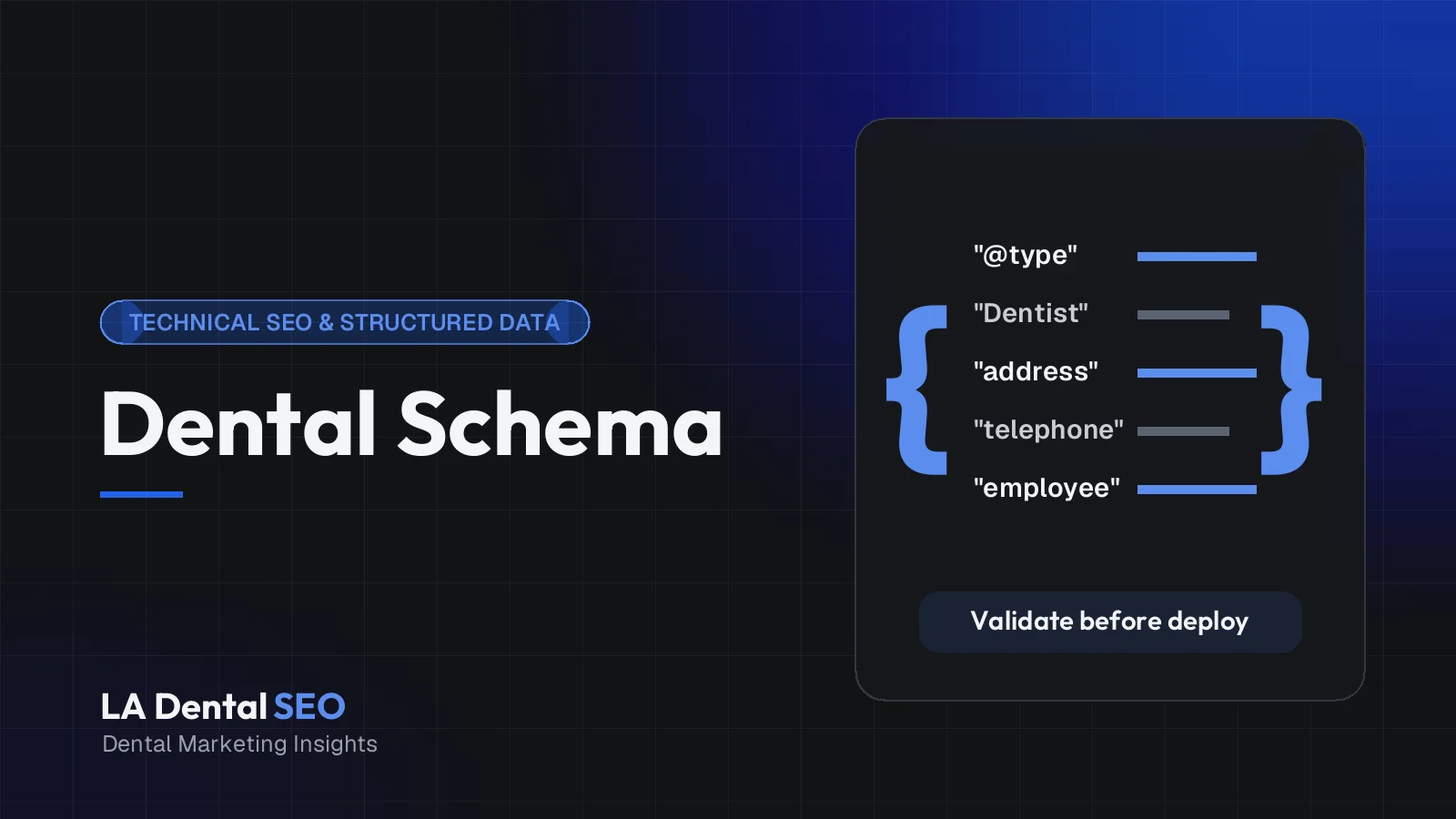
Start with verified facts, choose the Dentist type, give the practice a stable @id, and add required and recommended properties that match the visible page. Write it as JSON-LD inside a script tag, link related entities by @id, then test it in validation tools before publishing.
The example below is illustrative and uses entirely fictional data: the practice name, example.com addresses, 555-01xx phone number, street address, and coordinates are placeholders, not a real business.
<script type="application/ld+json">
{
  "@context": "https://schema.org",
  "@type": "Dentist",
  "@id": "https://www.example.com/#dentist",
  "name": "Example Smile Dental Studio",
  "url": "https://www.example.com/",
  "logo": "https://www.example.com/images/logo.png",
  "image": "https://www.example.com/images/office-exterior.jpg",
  "telephone": "+1-310-555-0142",
  "priceRange": "$$",
  "address": {
    "@type": "PostalAddress",
    "streetAddress": "100 Example Avenue, Suite 200",
    "addressLocality": "Los Angeles",
    "addressRegion": "CA",
    "postalCode": "90000",
    "addressCountry": "US"
  },
  "geo": {
    "@type": "GeoCoordinates",
    "latitude": 34.00000,
    "longitude": -118.00000
  },
  "openingHoursSpecification": [
    {
      "@type": "OpeningHoursSpecification",
      "dayOfWeek": ["Monday", "Tuesday", "Wednesday", "Thursday"],
      "opens": "08:00",
      "closes": "17:00"
    },
    {
      "@type": "OpeningHoursSpecification",
      "dayOfWeek": "Friday",
      "opens": "08:00",
      "closes": "13:00"
    }
  ],
  "medicalSpecialty": "https://schema.org/Dentistry",
  "isAcceptingNewPatients": true,
  "employee": { "@id": "https://www.example.com/team/dr-jordan-example/#person" },
  "sameAs": ["https://social.example.net/examplesmiledental"]
}
</script>
A few choices in that template are deliberate:
- The @id is a stable identifier that other blocks reference, so the practice is described once.
- The telephone includes country and area code, as Google's local business guidance requests.
- The coordinates are placeholders. Real values must be verified, and Google asks for at least five decimal places.
- medicalSpecialty and isAcceptingNewPatients are valid Schema.org properties with no documented Google feature. Include them only if true and maintained.
How Should Verified Office Information Be Represented?
Office data in schema should match your signage, your Google Business Profile, and the visible page exactly: the same practice name, street address, suite, phone number, and hours. Each physical location needs its own entity and its own location page, and every value should be checked against a primary source before publishing.
Google lists name and address as required for local business markup and recommends telephone, url, geo, openingHoursSpecification, and priceRange, among others. It also asks that url point to the specific location's page and be a working link. A few habits prevent most problems:
- Pull coordinates from a verified source, such as the confirmed pin for your office, rather than guessing from a ZIP code.
- Represent holiday or temporary hours with
validFromandvalidThroughinstead of editing regular hours and forgetting to change them back. - For multiple offices, give each location page its own Dentist block with a distinct @id, address, phone, and hours. Don't load every location onto the homepage as if it were one office.
Our guide to neighborhood-based SEO for multi-location practices covers the extra complexity groups face.
How Can Dentist Credentials Be Described Accurately?
Describe each dentist with a Person entity on their bio page, linked to the practice. Use properties such as jobTitle, alumniOf, and hasCredential only for facts you can document, such as a degree or a license confirmed through the state board, and only when the same facts appear on the visible page.
The next example is illustrative and uses a fictional dentist, school, and licensing body. Every education and credential value in a real implementation must be independently verified.
{
  "@context": "https://schema.org",
  "@type": "Person",
  "@id": "https://www.example.com/team/dr-jordan-example/#person",
  "name": "Jordan Example",
  "honorificPrefix": "Dr.",
  "honorificSuffix": "DDS",
  "jobTitle": "General Dentist",
  "url": "https://www.example.com/team/dr-jordan-example/",
  "image": "https://www.example.com/images/dr-jordan-example.jpg",
  "worksFor": { "@id": "https://www.example.com/#dentist" },
  "alumniOf": {
    "@type": "CollegeOrUniversity",
    "name": "Example University School of Dentistry"
  },
  "hasCredential": [
    {
      "@type": "EducationalOccupationalCredential",
      "name": "Doctor of Dental Surgery",
      "credentialCategory": "degree",
      "recognizedBy": {
        "@type": "CollegeOrUniversity",
        "name": "Example University School of Dentistry"
      }
    },
    {
      "@type": "EducationalOccupationalCredential",
      "name": "Dental license",
      "credentialCategory": "license",
      "recognizedBy": {
        "@type": "GovernmentOrganization",
        "name": "Example State Dental Board"
      }
    }
  ]
}
On Schema.org, Person accepts hasCredential, whose expected type is Credential; EducationalOccupationalCredential is a more specific subtype, and Schema.org currently lists Credential in its "new" area, so definitions may still be refined. Keep name to the person's name and put "Dr." and "DDS" in honorific properties, which also matches Google's advice for author names in article markup.
Specialty titles such as "orthodontist" or "periodontist" are regulated, so confirm wording with your state dental board. And don't add memberships, fellowships, or awards unless the bio page shows them and you have proof on file.
When Are Treatment and MedicalProcedure Descriptions Appropriate?
Treatment markup fits only on pages that genuinely describe a service the practice provides, such as a detailed implant or Invisalign page. Use Service to say the practice offers the treatment, and reserve MedicalProcedure for content that explains the procedure itself. Neither type has a documented Google rich result for dental treatments.
There's a technical wrinkle worth knowing. Schema.org's availableService property, which can point to a MedicalProcedure, is defined on MedicalClinic, Hospital, and Physician, not on Dentist. And MedicalProcedure isn't among the expected types for an Offer's itemOffered. A Service with a provider reference is the cleaner way to connect a treatment page to a dental practice.
This example is illustrative, with fictional data, and would sit on the practice's own implant page:
{
  "@context": "https://schema.org",
  "@type": "Service",
  "@id": "https://www.example.com/dental-implants/#service",
  "name": "Dental Implants",
  "serviceType": "Dental implant treatment",
  "description": "Consultation, planning, and placement of dental implants at Example Smile Dental Studio.",
  "url": "https://www.example.com/dental-implants/",
  "provider": { "@id": "https://www.example.com/#dentist" },
  "areaServed": { "@type": "City", "name": "Los Angeles" }
}
Keep the description factual. Outcome or success-rate claims don't belong in markup.
How Should Accepted Insurance Information Be Represented?
Show insurance information on a visible, regularly updated page first. Schema.org has no simple, widely used property for listing accepted dental plans, and Google documents no search feature for it. If you add insurance data to markup at all, keep it minimal, accurate, and synchronized with the page and front desk.
Two properties often come up. healthPlanNetworkId exists on MedicalOrganization, but it's meant for a network's name or identifier, it's a newer term, and Schema.org reports low adoption. paymentAccepted on LocalBusiness describes payment methods such as cash or credit cards, so stretching it into a list of insurers invites confusion. For most practices, the honest approach is a clear insurance page listing in-network plans with a "last reviewed" date, a note that coverage varies by plan, and no insurance claims in schema until someone owns keeping them current.
How Do You Avoid Duplicate Schema From Multiple Plugins?
Pick one system to own each type of markup, usually your SEO plugin, and turn off overlapping output from themes, page builders, review widgets, and local SEO add-ons. Then inventory each template in a testing tool to confirm one practice entity, one breadcrumb trail, and one article block per page.
Duplicates happen quietly: the theme adds Organization data, the SEO plugin adds its own, and a local SEO add-on creates a second LocalBusiness with different hours. Google can read multiple items on a page, but conflicting facts about one business undermine all of them.
- Test the homepage, a location page, a treatment page, a bio page, and a blog post, and list every type each one outputs.
- Choose the source of truth for each type and disable the rest in plugin or theme settings.
- Where you add custom JSON-LD, extend the plugin's entities by referencing the same @id instead of creating parallel ones.
- Retest after every plugin or theme update.
What clean page-level markup looks like
The breadcrumb example below is illustrative and uses fictional example.com URLs. Google's breadcrumb documentation requires at least two list items, each with a position and name, and treats item as optional only for the last entry (Google Search Central).
{
  "@context": "https://schema.org",
  "@type": "BreadcrumbList",
  "itemListElement": [
    {
      "@type": "ListItem",
      "position": 1,
      "name": "Home",
      "item": "https://www.example.com/"
    },
    {
      "@type": "ListItem",
      "position": 2,
      "name": "Services",
      "item": "https://www.example.com/services/"
    },
    {
      "@type": "ListItem",
      "position": 3,
      "name": "Dental Implants",
      "item": "https://www.example.com/dental-implants/"
    }
  ]
}
This BlogPosting example is also illustrative, using a fictional post, author, and dates. Google's article guidance has no required properties but recommends headline, image, dates in ISO 8601 format with a time zone, and author details (Google Search Central).
{
  "@context": "https://schema.org",
  "@type": "BlogPosting",
  "@id": "https://www.example.com/blog/first-visit-guide/#article",
  "mainEntityOfPage": "https://www.example.com/blog/first-visit-guide/",
  "headline": "What to Expect at Your First Dental Visit",
  "description": "A step-by-step look at a new-patient appointment at Example Smile Dental Studio.",
  "image": [
    "https://www.example.com/images/first-visit-16x9.jpg",
    "https://www.example.com/images/first-visit-4x3.jpg",
    "https://www.example.com/images/first-visit-1x1.jpg"
  ],
  "datePublished": "2026-10-10T08:00:00-07:00",
  "dateModified": "2026-10-10T08:00:00-07:00",
  "author": {
    "@type": "Person",
    "name": "Jordan Example",
    "url": "https://www.example.com/team/dr-jordan-example/"
  },
  "publisher": { "@id": "https://www.example.com/#dentist" }
}How Do You Validate Structured Data?
Use three checks. The Schema Markup Validator confirms valid Schema.org. Google's Rich Results Test shows which supported Google features it detects. A manual review confirms every value matches the visible page and your Business Profile. After launch, monitor Search Console.
Each tool answers a different question:
- Schema Markup Validator: checks syntax and vocabulary for any Schema.org type, including ones Google doesn't use.
- Rich Results Test: reports which Google-supported features it detects and flags missing required properties. Silence about a type usually means Google has no feature for it, not that the markup is wrong.
- Search Console: URL Inspection and enhancement reports show how Google processed live pages over time.
- Human fact-check: no tool knows that your Friday hours changed or that a dentist left last spring.
If you'd rather have someone run these checks for you, our free dental website audit includes a structured data review.
Common Schema Implementation Mistakes
- Marking up invisible content. Google's policies say not to mark up content readers can't see.
- Copying a template without replacing values. Placeholder phones, sample coordinates, and example URLs do end up on live sites.
- Using a generic type. Plain LocalBusiness says less than Dentist.
- One entity for many offices. Multiple addresses crammed into one block blur which office is where.
- Self-serving star ratings. Reviews a practice controls about itself aren't eligible for star features in Google, according to its review snippet guidelines.
- Stale people and plans. Former associates and dropped insurance networks left in markup months later.
- Conflicting plugin output. Two or three systems each describing the practice differently.
Schema is one layer of a healthy site. Pages still need to load quickly and make it easy to contact you, as covered in our guide to dental website conversion, and our dental SEO and website services show how the technical and content work fit together.
Key Takeaways
- Use Dentist for each office, Person for real dentists, and page-level BreadcrumbList and BlogPosting markup, linked by stable @id values.
- Treat Schema.org validity and Google feature support as separate questions, and expect no feature to be guaranteed.
- Match every value to the visible page and your Business Profile, and verify coordinates, credentials, and insurance before publishing.
- Let one system own each markup type and remove duplicate output from themes and plugins.
- Validate with the Schema Markup Validator, the Rich Results Test, Search Console, and a human fact-check after every change.
Frequently Asked Questions
Will schema markup make ChatGPT or Google AI Mode recommend my practice?
No one can promise that. AI systems use different sources and methods, and their providers don't publish a rule that structured data earns recommendations. Accurate markup makes your facts easier to interpret, but it works alongside content, reviews, and consistent listings. See our AI search optimization approach for the broader picture.
Should we remove existing FAQPage markup?
Google no longer shows the FAQ rich result, so the markup won't produce that feature. Valid FAQPage markup isn't harmful in itself, but if it's outdated, duplicated by several plugins, or doesn't match the visible questions, cleaning it up is sensible.
Does every page need schema?
Not custom schema. Most pages are well served by site-wide practice data plus breadcrumbs, with BlogPosting on articles and Person markup on bio pages. Adding specialized types to pages that don't contain that information creates risk without benefit.
Can our SEO plugin handle all of this?
Often most of it. SEO plugins handle organization, breadcrumb, and article markup reasonably well; gaps appear around dentist profiles, multiple locations, and services. Extend the plugin's output with matching @id values rather than adding a competing block.
Build Schema on Facts You Can Stand Behind
Good dental schema is accurate, consistent, and tied to pages that already serve patients well. Start with your practice identity and real offices, add verified clinicians, and validate every change. If you'd like help reviewing what your site outputs today, we're happy to look.
Request a Schema Review ConsultationSources and Further Reading
- General structured data guidelines, Google Search Central.
- Local business (LocalBusiness) structured data, Google Search Central.
- Article (Article, NewsArticle, BlogPosting) structured data, Google Search Central.
- Latest Google Search documentation updates, Google Search Central.
- Review snippet structured data, Google Search Central.
- Dentist, Schema.org.
- Person, Schema.org.