Why Is Greater LA Not One Search Market?
Greater Los Angeles behaves like dozens of small dental markets. Google weighs relevance, distance, and prominence, so searchers in Burbank and Long Beach see different local results for the same query. Drive time, parking, insurance mix, and language needs also shape which office a patient will realistically choose.
Google describes local ranking in terms of relevance, distance, and prominence, and states that there is no way to request or pay for a better local ranking. Distance is the factor multi-location groups underestimate. In Los Angeles, ten miles can mean fifteen minutes or fifty, depending on the freeway and the hour. Patients judge convenience by the trip they will actually make.
Demand also shifts between offices only a few exits apart. Insurance questions, emergency searches, elective treatment interest, and preferred languages can look very different from one office to the next. A generic list of "Los Angeles dental keywords" will not reveal that. Your own data will: call reasons logged by the front desk, intake forms, and the queries each office page receives in Google Search Console. The consequence is simple. No single page "ranks for Los Angeles." Each real office competes inside its own patient radius.
Office Pages vs. Service-Area Content: What's the Difference?
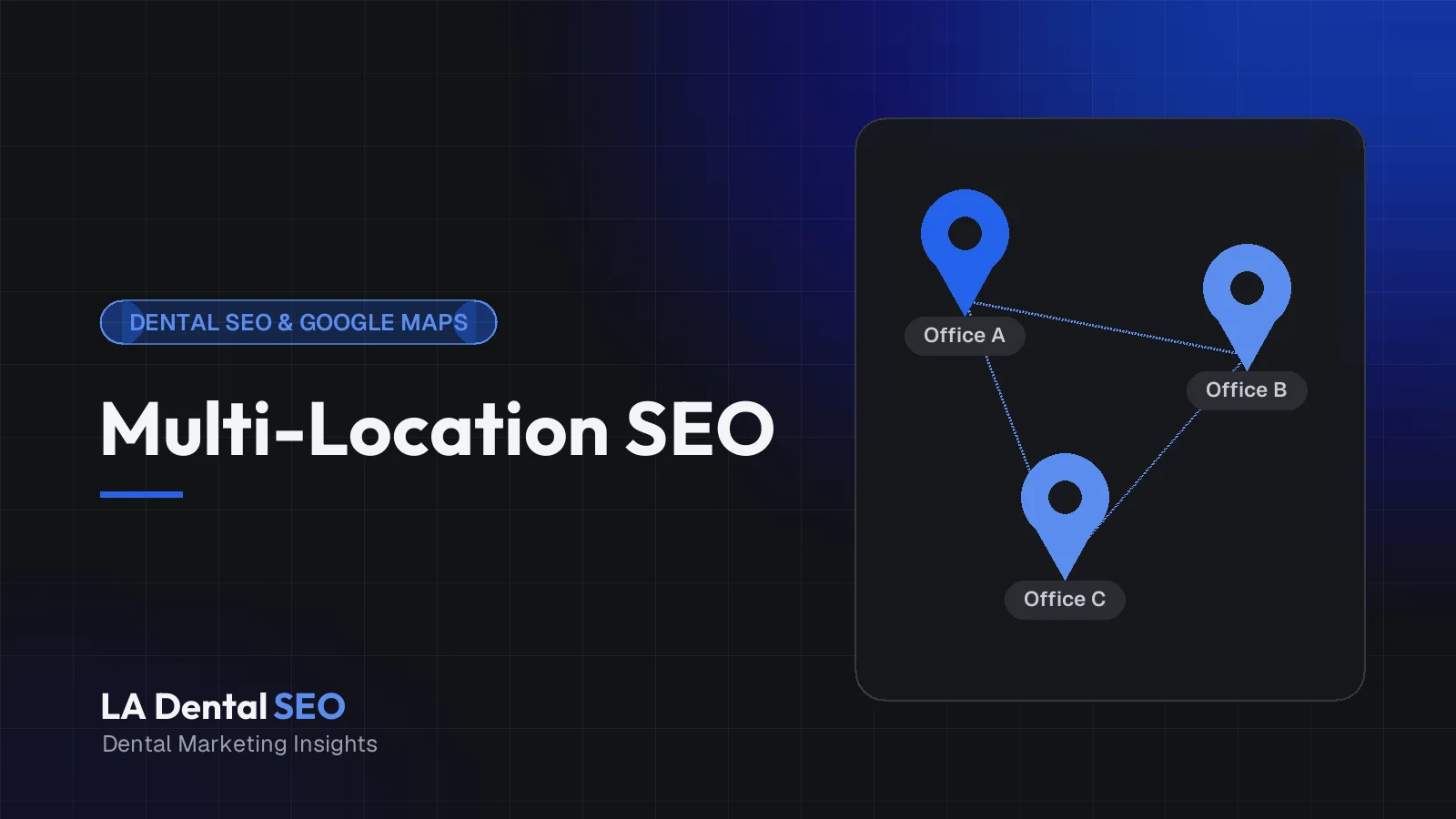
An office page represents a physical location patients can visit: its address, hours, team, services, and directions. Service-area content speaks to people who live nearby and travel to that office. The office page anchors a Google Business Profile. Service-area content supports it and should never imply an office exists where none does.
Google's guidelines for representing your business tie profile eligibility to in-person contact: practitioners must be reachable at the verified location during stated hours, and there should be only one profile per location. A dental office is a storefront business. Patients come to you, so a profile, and the office page that supports it, belongs at each address where your team actually sees patients.
Service-area content earns its place by helping someone who will travel to a real office: a first-visit guide for patients commuting from a neighboring city, or a parking and transit section on an office page. It is not a page titled "Dentist in [City]" for a city where you have no chair, no staff, and no address.
How Should Multi-Location Dental Sites Be Structured?
Use a clear hierarchy: a group homepage that routes patients to each real office, one detailed page per office, treatment pages that explain care once and list where it is offered, and educational articles that link back to the relevant treatment and office pages. Every page gets one distinct job.
A clean URL pattern makes the hierarchy visible. Office pages can sit in a locations folder (/locations/pasadena/) with an index page listing every office, address, and phone number. Treatment pages live at their own paths (/dental-implants/) instead of being cloned per city. A set like /dental-implants-pasadena/, /dental-implants-glendale/, and /dental-implants-burbank/ matches what Google calls "substantially similar pages" in its spam policies, unless each page reflects genuinely different providers, equipment, or care.
A Practical Multi-Location Dental Website Architecture
- Dental group homepageExplains who you are, lists every real office, and routes patients to the right location in one or two clicks.
- Actual Office A (hypothetical)One page with the verified address, hours, team, services, and parking, matching that office's Business Profile.
- Actual Office B (hypothetical)A separately written page reflecting that office's real team, services, and access details, not a copy of Office A.
- Relevant treatment pagesEach treatment is explained once, then the page lists and links the offices where it is actually provided.
- Supporting educational articlesAnswer patient questions in depth and link to the matching treatment page and, where relevant, the office offering it.
When Does a Location Deserve Its Own Page?
A location deserves its own page when it is a real office where patients receive care, with its own address, staff present during posted hours, and direct contact details. A neighborhood you merely serve usually does not. If the only thing you could change on the page is the place name, don't publish it.
Run any proposed location URL through the framework below. It forces the question that matters: what would a patient learn here that they cannot learn anywhere else on your site?
| Situation | Own office page? | Better approach |
|---|---|---|
| Staffed office with its own address and posted hours | Yes | Full office page linked to that office's Business Profile |
| New office with a signed lease and confirmed opening date | Yes, once details are confirmed | Publish confirmed address, opening date, and booking options; update at opening |
| Nearby city with no office (Burbank patients visiting a Glendale office, for example) | No | Cover directions and access on the Glendale page |
| Specialist who visits another office one day a week | No separate office page | Note the schedule on the host office page and the provider bio |
| Mailing, billing, or virtual address | No | Never present it as a place patients can visit |
| Closed or merged office | No new page | Redirect the old URL to the most relevant remaining office |
| One treatment cloned across city names | No | One strong treatment page linking to the real offices offering it |
How Should Each Real Office Page Be Written?
Write each office page for a new patient deciding whether to call. Lead with the address, hours, phone number, and booking option. Then cover who practices there, which services that office actually provides, insurance details, access and parking, and answers to questions that office's front desk hears every week.
The best office pages start with the people who work there. Ask the office manager what new patients ask before a first visit. Those questions are your outline. Then confirm the page includes:
- Name, address, and phone number exactly as they appear on the profile and signage.
- Regular and holiday hours, kept in sync with the profile.
- The dentists and hygienists who actually practice there, with real bios and photos.
- Services offered at that address, with a clear note when a service is only available elsewhere.
- Languages your staff at that office genuinely speak.
- Entrance location, step-free access, and parking.
- Structured data that matches the visible content (our dental schema markup guide explains how).
Illustrative example: a hypothetical group with offices in Glendale and Long Beach builds its Long Beach page around the three questions its front desk logs most. The page explains that the office is on the second floor, that the garage entrance is on [street name], and that implant consultations happen in Long Beach while surgery is performed in Glendale by a named surgeon. None of that could be pasted onto the Glendale page, which is exactly the point.
What Local Information Actually Helps Patients?
Patients want practical certainty: how to get there, where to park, whether the office takes their insurance, which languages staff speak, how soon they can be seen, and whether the building is accessible. Neighborhood trivia and lists of nearby landmarks rarely help anyone choose a dentist.
Compare two Pasadena office pages. One opens with three sentences about the Rose Bowl and Old Town. The other says street parking is metered, the building lot validates for two hours, and the entrance faces the side street. The second page is shorter and far more useful, and no competitor can copy it, because it is true only of that office. Worth including when accurate and maintainable: parking and validation details, the nearest Metro stop if many patients use transit, same-day or emergency policies you can honor, and the days a visiting specialist is on site. Skip promises like "same-day appointments always available" unless the schedule truly supports them.
How Should Specialty Pages Support Location Pages?
Treatment pages carry the clinical explanation; office pages carry the logistics. A dental implant page explains the procedure, candidacy, and recovery once, then shows which offices perform it and who provides it. Office pages link to it with a short summary rather than repeating clinical content.
This keeps your best clinical content concentrated on one URL that can earn links and engagement, and gives you one page to update when protocols change. Our dental implant SEO strategy shows how to build that kind of treatment page. Exceptions exist. If only one office has an on-site orthodontist or a credentialed sedation provider, that office page can include a substantial section on the service. A separate office-specific treatment page is justified only when it carries enough unique, accurate information to stand on its own.
How Can Multiple Locations Avoid Keyword Cannibalization?
Cannibalization happens when several of your pages chase the same search intent, so none becomes the clear best answer. Give each page one job: office pages serve searches near that office, treatment pages serve the treatment, and articles serve questions. Then align titles, headings, and internal links with those jobs.
To diagnose it, open the Performance report in Search Console, filter for an important query, and switch to the Pages view. If several of your URLs trade impressions for the same query, they are competing. Typical fixes:
- Leftover city pages: merge any useful content into the real office page and redirect the old URL.
- Article vs. treatment page: retitle the article around a specific question and link it to the treatment page.
- Adjacent offices: when two offices are close, such as Glendale and Burbank, let each title name its own city and stop targeting the other's.
Some overlap is harmless. Two nearby offices may both appear for a search made between them, and that is fine when each page represents a distinct, real location.
How Should Internal Links Connect Locations and Services?
Link the way patients decide: from the homepage and locations index to each office, from each office to the treatments it offers, from each treatment page back to the offices that provide it, and from articles to the most relevant treatment. Use descriptive anchors and skip footers stuffed with city keywords.
- Keep every office page reachable from the main navigation or locations index.
- Link treatment pages only to offices that actually provide the treatment.
- Add office-to-office links where they solve a problem, such as "Need Saturday hours? Our Torrance office is open Saturdays" (illustrative).
- Use breadcrumbs (Home > Locations > Pasadena) to clarify the hierarchy.
- Replace footer blocks like "dentist Beverly Hills, dentist West Hollywood, dentist Santa Monica" with a plain list of real offices.
Internal links handle the website side of local visibility. The profile side, including categories, photos, and reviews, is covered in our guide to ranking in the Google Maps 3-Pack.
How Can Practices Measure Results by Office?
Measure each office separately: profile calls, direction requests, and website clicks; tagged website visits from each profile; Search Console data for each office page; and booked new patients by location from your practice management software. One keyword ranking checked from one spot in Los Angeles tells you very little.
Add UTM parameters to the website link on each Business Profile, with a campaign value naming the office, so analytics can separate profile traffic by location. Compare each office URL's clicks and queries month over month in Search Console, and report new patients by office and referral source. Rank-grid tools can show how visibility changes across a sprawling map, but treat them as snapshots, since results vary by device, searcher location, and time. If you use call tracking, follow Google's current guidance on tracking numbers and keep your primary office number consistent. Keep patient names and treatments out of analytics entirely; our article on HIPAA-aware review generation covers similar privacy boundaries.
What Are Common Multi-Location SEO Mistakes?
The costliest mistakes either mislead patients or split your visibility: city-swap pages with no unique content, profiles at addresses where no care is delivered, office pages listing services the office does not provide, inconsistent hours, and closed offices left live online.
- Publishing near-identical "Dentist in [City]" pages for places you only serve.
- Adding keywords or neighborhoods to a profile's business name, which Google's guidelines prohibit.
- Claiming every treatment at every office because the group offers it somewhere.
- Launching multiple domains with slight variations for each area, another doorway pattern Google lists.
- Letting each office edit its profile with no shared standard.
A 90-Day Local SEO Content and Architecture Plan
This plan assumes a group website with at least two real offices. Expect early gains to be structural, such as fewer competing URLs and cleaner data, rather than instant ranking jumps. It mirrors the audit-first process we recommend for any multi-location site.
Days 1–30: Inventory and verify
- Confirm each office's address, hours, phone, providers, and services with its manager.
- Check every profile against Google's guidelines and against the website.
- Export all location, city, and treatment URLs; flag near-duplicates, orphans, and competing pages.
Days 31–60: Rebuild and consolidate
- Write one complete page per real office using the checklist above.
- Merge thin city pages into the right office page and redirect them.
- Add a "where this treatment is offered" section to each treatment page, plus matching structured data.
Days 61–90: Connect and measure
- Build the link pattern between offices, treatments, and articles.
- Publish a few articles per office answering questions staff actually log.
- Add UTM-tagged profile links, office-level reporting, and a monthly accuracy check.
Key Takeaways
- Build one detailed page per real, staffed office, consistent with its Business Profile.
- Explain each treatment once and link it to the offices that genuinely provide it.
- Skip city-name variations of the same page; Google treats that pattern as doorway abuse.
- Fill office pages with details only that office can offer: team, parking, access, and services.
- Measure calls, visits, and new patients by office, not by one citywide ranking.
Frequently Asked Questions
Can we create a Google Business Profile for an area we serve but have no office in?
No. Google ties eligibility to in-person contact at the verified location during stated hours. Dental practices see patients at their offices, so profiles belong only where your team provides care.
Should each office use a separate domain?
Usually not. One domain with a clear locations section is easier to maintain and concentrates authority. Google's spam policies list multiple websites with slight URL variations as a doorway pattern.
How long should an office page be?
There is no ideal word count. An office page should be as long as it takes to answer a new patient's practical questions, which is often shorter than a treatment page.
Do neighborhood blog posts help local rankings?
Only when they help patients. Posts written mainly to repeat neighborhood names drift toward the search-engine-first content Google's helpful content guidance warns against.
Build Around the Offices You Actually Have
Multi-location visibility in Greater Los Angeles comes from accurate profiles, distinct office pages, and treatment content that connects them, not from a page for every city name. Review our local market coverage and dental SEO services, or ask LA Dental SEO for a second opinion on your structure.
Talk Through Your Location StrategySources and Further Reading
- Spam policies for Google web search, Google Search Central.
- Guidelines for representing your business on Google, Google Business Profile Help.
- Tips to improve your local ranking on Google, Google Business Profile Help.
- Creating helpful, reliable, people-first content, Google Search Central.